

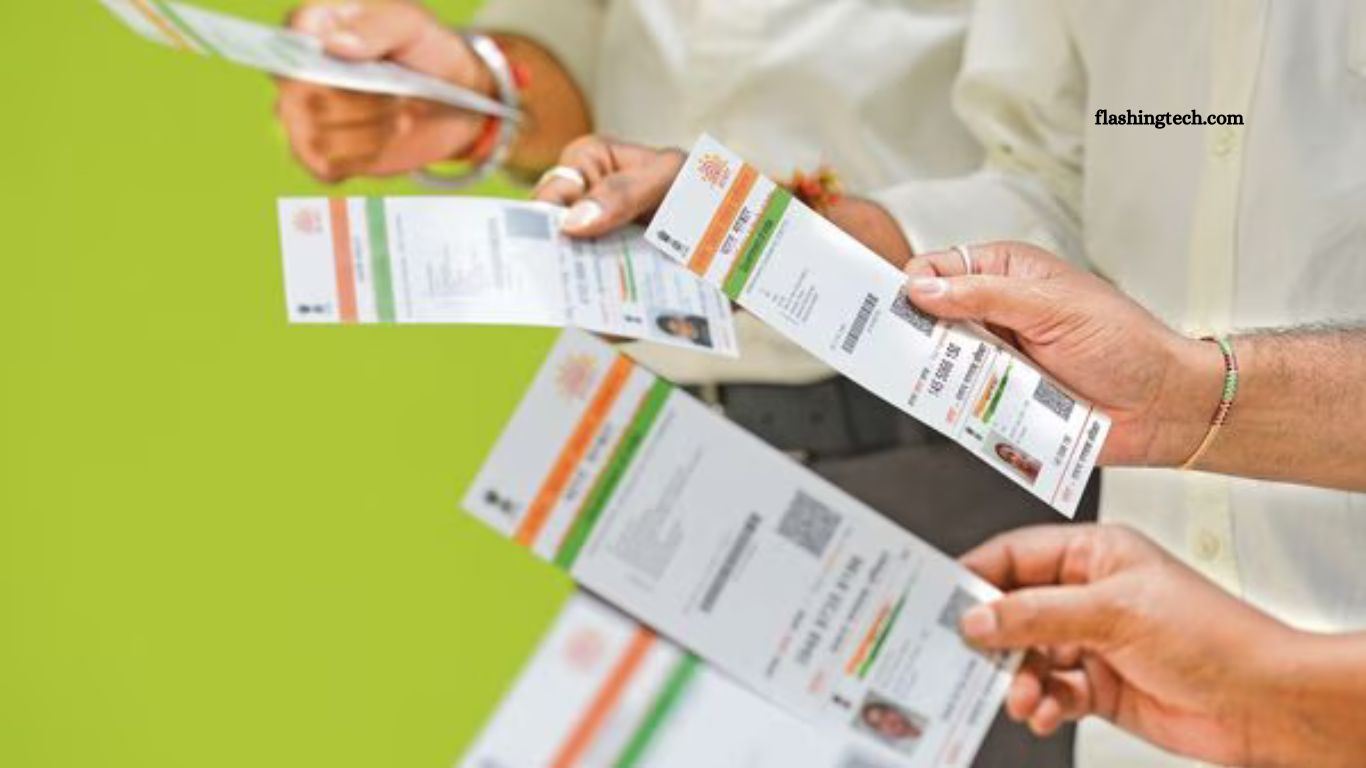
The Unique Identification Authority of India (UIDAI) has enhanced the Aadhaar mobile application, enabling users to update their registered mobile number directly from home, eliminating the need to visit an Aadhaar enrolment centre. This digital advancement is part of UIDAI’s ongoing efforts to streamline services, increase accessibility, and reduce administrative hurdles for residents across the country.
The update is particularly beneficial for senior citizens, individuals with mobility challenges, and those living far from the nearest enrolment centre, offering them a convenient and secure way to maintain up-to-date contact information linked to their Aadhaar. By facilitating seamless remote updates, UIDAI reinforces its commitment to inclusive, user-friendly digital governance while enhancing the efficiency and reach of essential identity services.
Read More: Tech Guide 2025: Day 2 of Christmas Gift Ideas – Smartphones Edition
Step-by-Step Guide to Updating Your Aadhaar-Linked Mobile Number
- Download the Aadhaar App: Install the official Aadhaar app on your smartphone, available on Android via the Google Play Store or iOS through the Apple App Store.
- Access Mobile Number Update: Open the app and select the ‘Mobile Number Update’ option, now available for all users.
- Enter Your New Number: Provide your updated mobile number. The app will send a one-time password (OTP) to the new number and request face authentication to verify your identity.
- Complete Verification: Once the OTP and face verification are completed, your Aadhaar records will reflect the updated mobile number.
Other Features and Limitations of the Updated Aadhaar App
In addition to updating your mobile number, the Aadhaar app provides options to update your address, email, and name. However, these features are not yet fully “live” and may become available in future updates.
Certain Aadhaar details still require an in-person visit to an enrolment centre. These include updating biometric information such as fingerprints, iris scans, or photographs, as well as changes to the date of birth (DoB). While the app significantly expands remote accessibility, some sensitive updates continue to necessitate offline verification to ensure security and accuracy of identity records.
UIDAI Mandates Registration for Entities: Here’s Why
This month, the Unique Identification Authority of India (UIDAI) approved a new rule requiring entities to register with the authority to use Aadhaar for customer identity verification, CEO Bhuvnesh Kumar told PTI.The rule specifically targets establishments such as hotels and event venues that collect and store Aadhaar data in physical form.
By mandating registration, UIDAI aims to curb potential misuse of sensitive personal information and ensure that entities handling Aadhaar data adhere to strict security and compliance standards. The move reflects the authority’s commitment to strengthening data protection and safeguarding citizens’ identity information.
How Will the New System Work?
According to UIDAI CEO Bhuvnesh Kumar, registered entities will be able to verify individuals either by scanning a QR code or through the new Aadhaar app. This approach is designed to minimize delays caused by outages in intermediate servers that connect to the central Aadhaar database, ensuring smoother and more efficient processing of services.
For entities that prefer offline verification, UIDAI will provide access to an API (Application Programming Interface), allowing them to integrate Aadhaar verification directly into their systems, PTI reported. The updated app is expected to enhance the overall Aadhaar authentication service in compliance with the Digital Personal Data Protection (DPDP) Act and is anticipated to be fully operational within the next 18 months.
Key Features of the New Aadhaar App
- Download Aadhaar: Access both regular and masked versions of your Aadhaar.
- Update Address Online: Submit address changes securely from home.
- Order Aadhaar PVC Card: Request a durable, official PVC Aadhaar card.
- Offline KYC (XML File): Generate an XML file for offline verification purposes.
- Aadhaar Lock/Unlock: Secure or unlock your Aadhaar to prevent misuse.
- Verify Aadhaar Number: Confirm the validity of an Aadhaar number instantly.
- Retrieve UID / EID: Recover your Aadhaar number (UID) or enrolment ID (EID) if lost.
- Scan QR Code for Validation: Quickly validate Aadhaar details using QR codes.
- Digital Aadhaar Wallet: Store your Aadhaar digitally in a secure wallet.
- Biometric Lock/Unlock: Enable or disable biometric authentication for added security.
- Aadhaar Authentication History: Track all past Aadhaar verification activities.
Frequently Asked Questions
How can I update my mobile number using the Aadhaar app?
Download the Aadhaar app, select the “Mobile Number Update” option, enter your new number, and complete the OTP and face verification process. Your Aadhaar record will be updated once verified.
Can I update my address or name through the app?
Yes, the app provides options to update your address, email, and name. However, these features are not fully live yet and may become operational in future updates.
Which Aadhaar updates still require visiting an enrolment centre?
Updates to biometric data, such as fingerprints, iris scans, photographs, and changes to date of birth (DoB), still require an in-person visit for verification.
What are the key features of the new Aadhaar app?
The app allows you to download Aadhaar (regular & masked), update address, order PVC cards, perform offline KYC, lock/unlock Aadhaar and biometrics, verify Aadhaar numbers, retrieve UID/EID, scan QR codes, store digital Aadhaar in a wallet, and view authentication history.
How does Aadhaar verification work for registered entities?
Registered entities can verify individuals using QR code scanning or the new Aadhaar app. Offline verification is also possible via UIDAI’s API. This ensures faster and more secure Aadhaar authentication.
When will the new Aadhaar app be fully operational?
The app is expected to be fully functional within the next 18 months and will comply with the Digital Personal Data Protection (DPDP) Act.
Conclusion
The updated Aadhaar app marks a significant step toward making identity management more accessible, secure, and convenient for all residents of India. With features like mobile number updates from home, Aadhaar PVC card ordering, digital wallets, and enhanced verification options, users can manage their Aadhaar details with greater ease and efficiency.
